

The back button is the one control on the web you never think about. It is your reflexive exit, the thing you reach for the instant a page turns out to be a mistake. So when it stops working, the effect is genuinely unsettling — you press it, and instead of leaving, you land right back on the mess you were trying to escape. That is not a bug. It is a tactic, built on purpose, and it has a name. This piece walks through what the broken exit feels like, how a site quietly rewrites your history to build it, why anyone bothers, and where the Total Adblock Browser Extension app can actually break the trap.
The panic of the broken exit
You tap a link from a search result or a social feed, and within a second or two you know you have landed somewhere wrong. The page is a wall of pop-ups, a video is loading somewhere you cannot see, the text jumps around as things shove into place. Your cursor is already moving to the top-left corner before you have finished the thought. Back. Get out.
Nothing happens. The page flickers and reloads, and you are staring at the same intrusive layout you just tried to leave. So you click again, faster, twice in a row, the way you would jiggle a stuck door handle. Still nothing. The exit that has worked ten thousand times is suddenly refusing you, and the site is holding your screen like it has locked the door behind you.
That flash of helplessness is the whole point. The trap is not just keeping you on the page; it is spending your composure to do it. And because the back button is such deep muscle memory, the failure feels less like a website misbehaving and more like your own browser has turned against you.
"That flash of helplessness is the whole point. The trap is not just keeping you on the page; it is spending your composure to do it. And because the back button is such deep muscle memory, the failure feels less like a website misbehaving and more like your own browser has turned against you."
The mechanics of history manipulation
Your browser keeps a simple, ordered list of where you have been. Page A, then page B, then page C — the back button just walks that list in reverse, one step at a time, which is why navigation normally feels effortless and predictable. The trap works by corrupting that list before you ever think to use it.
The technique is called history manipulation, and it runs on background JavaScript — code the page executes on its own the moment you arrive, with no click or permission from you. The script's job is not to show you anything. It is to reach into your session history and stuff it with junk.
Here is what it does, in the fraction of a second after the page loads. It rapidly injects dozens of invisible, near-identical "dummy" entries into your history, all pointing back at the same hostile page. Your real previous page — the search results you came from — gets buried far down the stack under this fresh pile of decoys.
So when you press back, the browser does exactly what it always does: it steps back one entry. Except that entry is now a dummy the script planted, which drops you right back onto the trap. Press it again and you step onto the next decoy, which looks identical. You are not failing to escape a maze; you are walking through one that was built around you a moment ago, and every corridor loops to the same room.
The metrics behind the hijack
It is fair to ask why any site would deliberately infuriate the people it wants to keep. The answer is that, in a certain corner of the ad economy, your frustration converts neatly into money.
These sites earn on volume — raw ad impressions served, video views registered, seconds of your attention logged. If you bounce off the page the instant it loads, that visit is worth essentially nothing to them. Every extra moment you are stuck, though, is time their machinery can use.
Trapping you buys that time. While you are hammering the back button, the page keeps running: the heavy video ad finishes downloading and counts as a view, the floating banners fire, the impression trackers tick over, and your forced dwell time gets recorded as engagement. Each of those events is worth a sliver of a cent. Multiply the sliver by everyone caught in the same loop and the trap pays for itself. What you experience as a hostage situation, they file as a successful session — your freedom to leave traded, without your say, for a rounding error in someone's revenue report.
Restoring navigation with the Total Adblock Browser Extension app
Follow the trap back to its source and one dependency stands out. None of it is possible unless that background script runs and rewrites your history. The dummy entries, the looping back button, the forced dwell time — all of it hangs on a single piece of code executing when the page loads. Stop that code from ever running, and there is no maze to walk through, because it was never built.
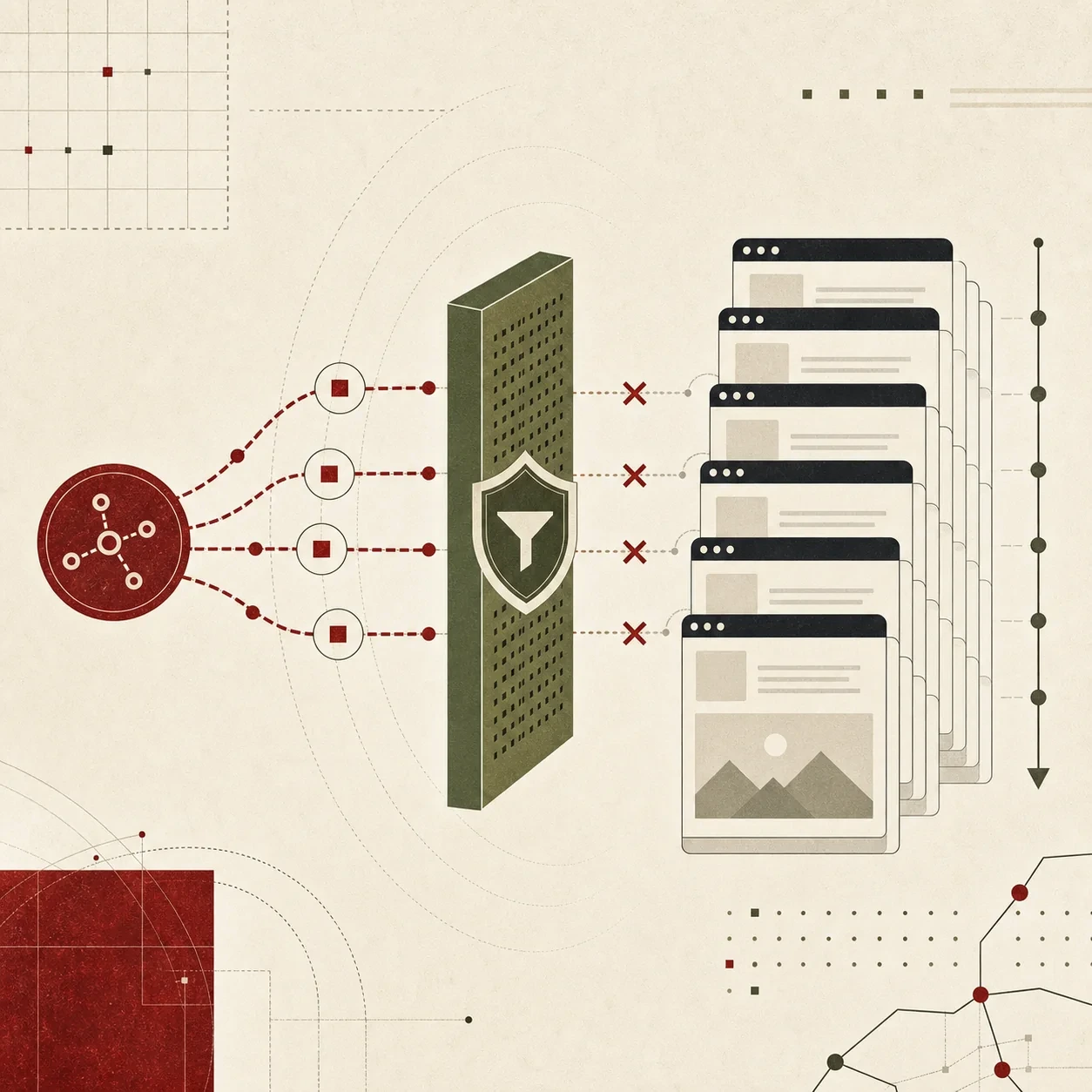
That is the layer the Total Adblock Browser Extension app works on. Rather than helping you claw your way out after you are already stuck, it examines the incoming site code at the network level as the page loads. When it recognizes the tracking scripts and deceptive ad networks known for history manipulation, it severs those connections before they can download and execute.
In keeping with the rest of this series, the edges are worth stating plainly. The extension acts on pages you load from the moment it is in place forward, and it targets servers and scripts recognized for this behavior, not every element of a site. It cannot untangle a history stack that a script already poisoned on a page you loaded before the defense was active — if you are stuck in a loop right now, that session was written before the guard was watching. Its job is to keep the next trap from being built at all, and against a tactic whose entire power is rewriting your history before you notice, refusing to load the script is exactly the move that counts. The content you actually came to read keeps loading normally; what disappears is the code that was quietly locking the exits.
The difference shows up in the smallest, most ordinary gesture. You reach for the back button, and it does the one thing it was always supposed to do. No flicker, no loop, no second and third frantic click — just out, the way leaving is meant to work.
Stop fighting your own browser to escape a page you never wanted to be on. Let the Total Adblock Browser Extension app cut the manipulation script off before it loads, so your history stays yours and back always means back.
